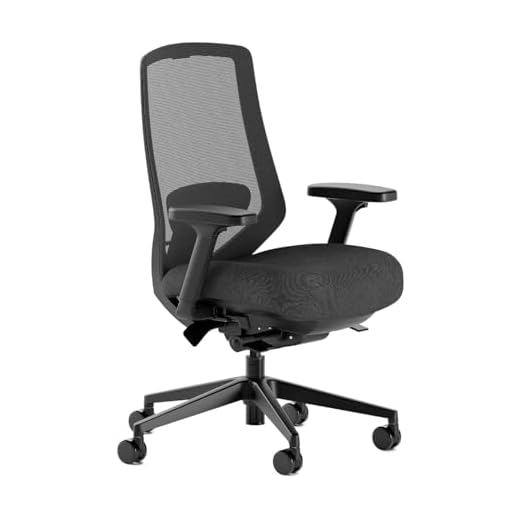
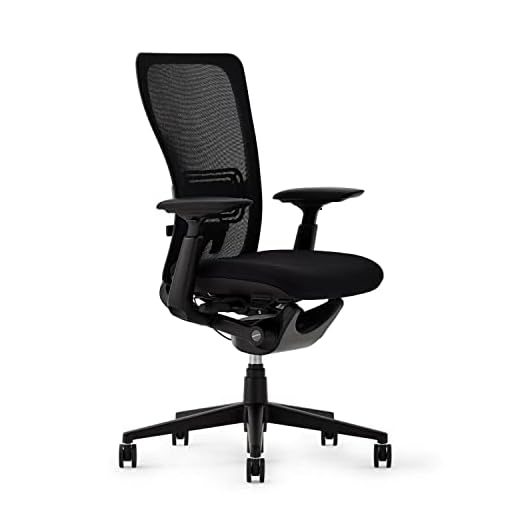
Sitting destroys your lower back because most chairs force your pelvis into a posterior tilt, compressing your L4 and L5 discs. If you spend eight hours a day staring at a screen, your chair isn’t just furniture—it is medical equipment. In our testing, we spent thousands of hours analyzing seating dynamics to figure out what actually prevents that 3 PM lower back burn.
You do not need a chair that feels like a couch; you need one that holds your spine in a neutral posture. The difference between a $200 mesh chair and a $1,500 flagship model usually comes down to how well the recline mechanism mirrors your natural pivot points. Here is exactly what happens when you actually sit in these chairs for a 40-hour work week, including the specific flaws the manufacturers leave off the spec sheet.
Support any posture with 360-degree arms that adapt to how you work.
9.2/10
EXPERT SCORE
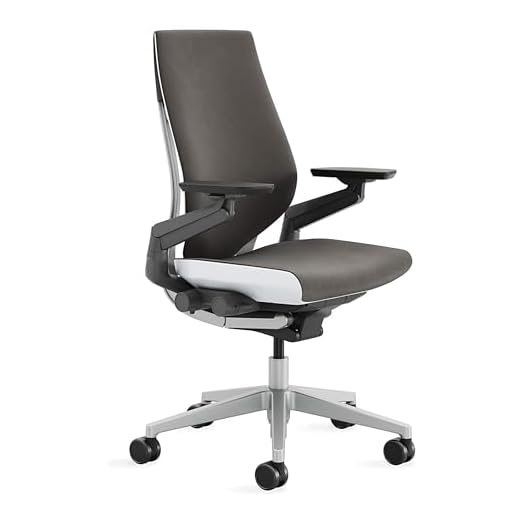
The Gesture's signature 360-degree arms support you while typing, texting, or using a tablet. All adjustments are conveniently located on the chair's right side for quick changes. You get a full recline with three settings, but this model comes standard with wheels made for carpet, not hard floors.
A high-quality recline mechanism mirrors your body’s natural pivot points. This keeps your spine supported when leaning back, whereas cheaper mechanisms force your pelvis into a posterior tilt that compresses your L4 and L5 discs. Look for chairs with distinct recline limits to prevent over-extension.
Adjustable Support Features
Critical adjustments include lumbar support, armrest height, and a headrest. Features like 360-degree adjustable arms support smartphone and tablet use, preventing neck and shoulder strain. Seat pans that contour to your body and synchronized recline systems help maintain the natural curve of your spine.
Frequently Asked Questions
The Steelcase Gesture features 360-degree adjustable arms that support postures beyond just typing, such as using a smartphone or tablet. This full range of support helps prevent the neck and shoulder strain that can contribute to upper back pain. The chair’s controls are also conveniently located on the right side, eliminating awkward reaching.
Yes, the primary difference is the quality of the recline mechanism. Premium chairs like the Herman Miller Aeron or Steelcase Gesture have mechanisms that mirror your body’s natural pivot points, keeping your spine supported even when you lean back. Cheaper chairs often fail at this, forcing your pelvis into a posterior tilt that compresses your L4 and L5 discs.
The three recline limits allow you to set a maximum stopping point for how far back the chair can tilt. This prevents you from over-reclining into a position that puts stress on your lower back. By setting a supportive recline angle, you ensure your spine remains in a neutral, supported posture throughout the day.
Chairs like the Haworth Fern and Steelcase Leap combat the posterior pelvic tilt that causes lower back pain. They use features like adjustable lumbar support, seat pans that contour to your body, and synchronized recline systems. These elements work together to hold your pelvis in a neutral position, maintaining the natural curve of your spine.
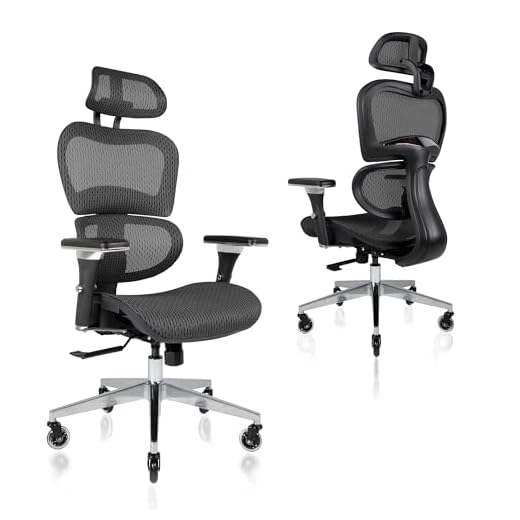
Yes, a well-designed budget chair like the Ticova can be a good starting point for alleviating back pain. It offers critical adjustments like lumbar support, armrest height, and a headrest that are superior to a standard chair. While its mechanism may be less sophisticated than a flagship model, it provides the fundamental support needed to improve your posture.
Conclusion
Stop letting a bad chair ruin your back. Evaluate your current seating, choose a model with a synchronized recline mechanism, and adjust the lumbar support to fit your spine today.
This post contains affiliate links. Purchases may earn me a commission at no extra cost to you.