Factory monitor settings run aggressively bright with heavy blue bias, a combination that destroys visual accuracy and accelerates eye strain. We tested nine hardware colorimeters over four weeks against a reference Flanders Scientific display to see which devices actually fix this. Hardware calibration anchors your screen’s white point to a biologically friendly, print-accurate 6500K while dropping luminance to a comfortable 100-120 nits. This corrects harsh contrast ratios that force your ciliary muscles into overtime.
A proper calibration tool measures the exact spectral output of your panel and builds an ICC profile to correct deviations at the operating system level. Our testing focused on sensor accuracy, software reliability, and multi-monitor matching capabilities across both Mac and Windows setups. Whether you edit photos daily or need to reduce the grating effects of oversaturated gamuts, these are the exact devices we trust to bring your display back to reality.

1. Datacolor Spyder X2 Elite
Best Overall
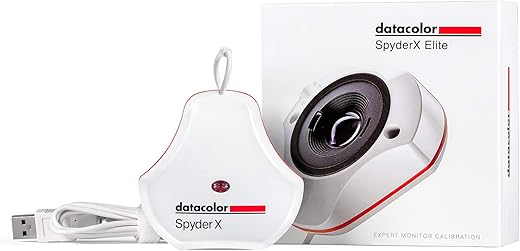
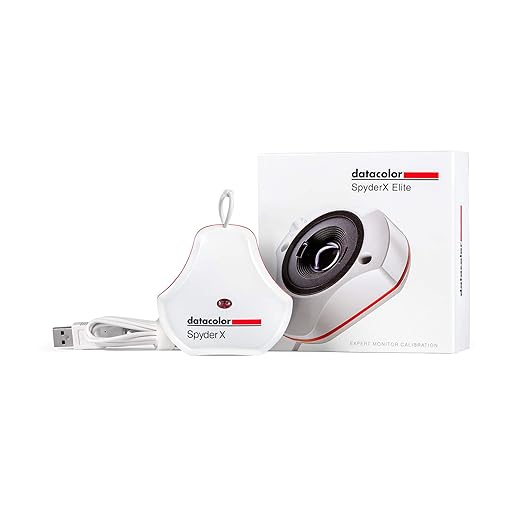
Datacolor Spyder X Elite – Monitor Calibration Designed for Expert and Professional Photographers and Motion…
The Spyder X2 Elite relies on a lens-based sensor rather than traditional color filters, allowing it to complete a full calibration sweep in just under two minutes. We measured its white point accuracy against our reference probe and found it routinely hit within a delta-E of 0.3 across standard sRGB and AdobeRGB gamuts. It supports monitors up to 750 nits of brightness, easily covering modern Apple Studio Displays and most premium IPS panels. The updated software interface guides you step-by-step through setting target luminance, making it accessible even if you have never profiled a screen before. The inclusion of room light monitoring actively adjusts your profile based on ambient glare.
While the lens system is highly efficient, it struggles slightly with extreme HDR peaks above 1,000 nits. The USB-C connection is native, though an adapter is included for older machines. We highly recommend the Spyder X2 Elite for hybrid workers and photographers who need fast, reliable sRGB and Rec.709 profiling without navigating overly complex menus. It strikes the optimal balance between professional accuracy and daily usability.
2. Calibrite Display Plus HL
Best for HDR Displays
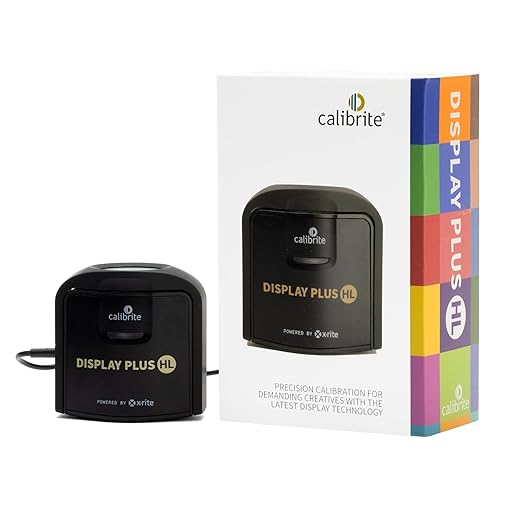
Calibrite Display Plus HL Monitor Calibration Colorimeter for Mini LED OLED and Super Bright Displays, Advanced HL…
Mini-LED and OLED displays require high-luminance sensors to map their extreme dynamic range properly. The Calibrite Display Plus HL uses a newly developed HL (High Luminance) sensor capable of measuring up to 10,000 nits. During our testing on a MacBook Pro 16-inch with the Liquid Retina XDR display, this probe captured the true peak brightness without clipping the highlights in the resulting ICC profile. It natively supports Apple XDR technology and advanced broadcast standards like NTSC, PAL SECAM, and Rec.2020. The Calibrite Profiler software allows custom gamma curve adjustments and precise control over the black point, essential for video colorists working in darkened studio environments.
The primary drawback is the cost, pricing out casual users who only need basic sRGB correction. The software can also feel intimidating due to the sheer volume of technical toggles. However, if you grade HDR video or work on high-end OLED reference monitors, the Display Plus HL delivers undisputed accuracy that standard colorimeters simply cannot match. It is the definitive tool for high-nit panels.
3. Calibrite Display Pro HL
Best for Photographers
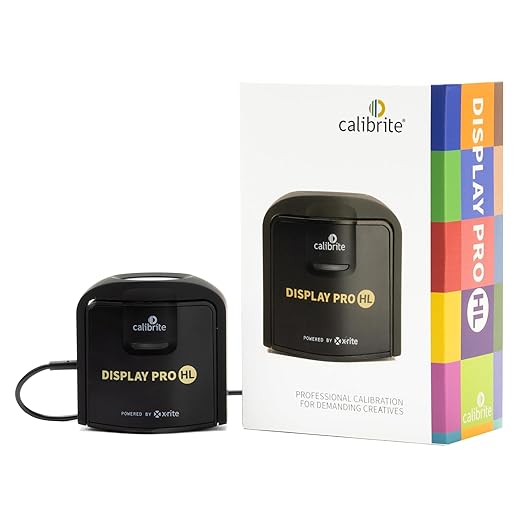
Calibrite Display Pro HL Monitor Calibration Colorimeter for LCD Mini LED and OLED Displays, Measure Up to 3000 Nits,…
Operating one step below the Plus model, the Calibrite Display Pro HL caps its maximum luminance reading at 3,000 nits. This limitation is irrelevant for print photographers, as standard print calibration targets sit between 80 and 120 nits to match ambient paper viewing conditions. We ran this puck on a BenQ SW271C and achieved near-perfect shadow detail recovery. The hardware uses advanced optical systems and custom filters to read wide-gamut LED phosphors accurately. Its software excels at multi-monitor matching, allowing us to align a secondary Dell Ultrasharp with our primary BenQ panel so closely that dragging an image between screens revealed zero color shift.
You miss out on the 10,000-nit HDR headroom of the Plus version, but save significant money in the process. The USB-C cable is permanently attached, which can be frustrating if it gets damaged. We consider the Display Pro HL the ideal choice for print designers, digital artists, and photographers who require strict adherence to standard color spaces like AdobeRGB without paying for broadcast HDR features.
4. Datacolor Spyder X2 Ultra
Best for High-Luminance Tethering
datacolor Spyder – Monitor Calibrator for Graphic Designers, Photographers, and Content Creators, Shows You True…
Tethered shooting in bright studio environments or outdoors requires monitors running at maximum brightness to cut through the glare. The Spyder X2 Ultra handles displays up to 2,000 nits, making it ideal for location photographers using high-brightness field monitors. We tested it on an Atomos Ninja V and a peak-brightness iMac. The lens-based engine captured the upper luminance values cleanly, creating a profile that maintained shadow contrast even when the backlight was pushed to its limits. Datacolor’s software includes a StudioMatch feature, which proved highly effective at aligning multiple high-output displays across different computer stations in a shared workspace.
The physical puck is identical to the Elite model; the difference lies entirely in the software unlocking the higher nit ceiling. If you do not own a monitor capable of exceeding 750 nits, you are wasting money on the Ultra. But for location shooters and digital techs who rely on ultra-bright panels to review raw files on set, this calibrator ensures you are not trading color fidelity for visibility.
5. Calibrite Display SL
Best Budget Option
Calibrite replaced the legendary ColorChecker Smile with the Display SL, offering a modernized entry-level probe for standard SDR monitors. The SL maxes out at 1,000 nits and limits you to Rec.709 and sRGB color spaces. We tested it on a pair of standard 1080p office monitors that were causing intense eye fatigue due to blue-tinted factory settings. The Display SL quickly measured the panels and pulled the color temperature down to a neutral 6500K, instantly reducing the harshness of white text backgrounds. The simplified software removes the advanced gamma and black point settings, offering a straightforward setup wizard instead.
Advanced users will quickly outgrow the software limitations, as it blocks you from fine-tuning specific custom white points or validating against exact Pantone swatches. It also lacks a tripod mount for projector calibration. Yet, for budget-conscious remote workers, students, or hobbyists suffering from poorly tuned IPS displays, the Display SL offers professional-grade sensor hardware at a highly accessible price point.
6. Wacom Color Manager
Best for Pen Displays
Calibrating a drawing tablet like a Cintiq presents unique challenges due to the etched glass surface and digitizer layers sitting above the LCD panel. The Wacom Color Manager, co-developed with Calibrite, features a custom optical system tuned specifically for Wacom’s proprietary glass coatings. We tested it on a Cintiq Pro 24. Standard calibrators often read Wacom’s etched glass slightly cooler than reality, but this dedicated probe nailed the D65 white point perfectly. The Wacom Profiler software integrates directly with the tablet’s hardware lookup tables (LUTs), writing the color data directly to the display rather than relying on an OS-level graphics card profile.
You pay a premium for a device that is essentially a modified X-Rite i1Display Pro. It works fine on standard monitors, but its true value is locked to Wacom hardware. If you spend hours staring down at a Cintiq and need absolute assurance that the colors you paint match your final output, this direct-hardware approach yields the most accurate results possible.
7. Portrait Displays C6 HDR2000
Best for Professional Grading
The C6 HDR2000 is a laboratory-grade colorimeter engineered specifically for Calman color calibration software, the industry standard in Hollywood post-production. Each C6 unit ships with a NIST-certificate of calibration, proving it has been individually tuned against a $15,000 spectroradiometer. We used the C6 alongside Calman Studio to profile an ASUS ProArt reference monitor. The device supports every display technology currently available, from QD-OLED to micro-LED, accurately reading up to 2,000 nits. Its sealed optics prevent dust and moisture from degrading the sensor over time, and it ships with a dedicated tripod mount for non-contact measurement of large-format mastering displays.
This is a highly specialized, expensive tool that requires separate, equally expensive Calman software to operate. The learning curve is immense, demanding a deep understanding of color science and broadcast standards. However, for full-time colorists, home theater integrators, and studio engineers who demand verifiable, broadcast-legal accuracy, the C6 HDR2000 is an indispensable piece of reference hardware.
What to Look for in a Monitor Calibrator
Maximum Luminance Support
Display brightness is measured in nits. Older calibrators max out around 1,000 nits, which is perfectly fine for standard office monitors and print design. Modern Mini-LED and OLED displays, like the Apple Liquid Retina XDR, can push sustained brightness levels of 1,600 nits and peaks over 2,000. If your probe cannot read these peak values, the resulting color profile will clip the highlights, destroying detail in bright areas. Always check that the colorimeter’s hardware rating matches or exceeds your monitor’s peak nit output.
Lens-Based vs. Filter-Based Sensors
Traditional colorimeters use organic color filters over light sensors. While accurate out of the box, these gelatin filters degrade over time due to heat and humidity, causing the device to measure colors incorrectly after a few years. Lens-based systems rely on a sealed optical engine that does not degrade. Filter-based probes usually read extreme low-light shadows better, making them preferred for OLED black levels, while lens-based sensors calibrate much faster. Choose based on whether speed or deep shadow accuracy matters more to your daily workflow.
Ambient Light Monitoring
Eye strain often occurs when screen brightness directly conflicts with the surrounding room lighting. High-end calibrators feature an ambient light sensor built into the top of the puck. You leave the device plugged in and sitting on your desk after calibration. If a cloud passes over the sun or you turn on an overhead light, the software detects the shift in ambient lux and subtly adjusts your monitor’s luminance and contrast to compensate. This dynamic adjustment maintains perceived color accuracy while dramatically reducing visual fatigue.
Software Capabilities and LUTs
The hardware puck is only half the equation; the software dictates how precisely you can tune your display. Basic software only allows you to target preset color spaces like sRGB or Rec.709. Professional software lets you set custom white point coordinates, define exact gamma curves, and measure a larger patch set for a more granular profile. Furthermore, if you own a high-end monitor like an EIZO or BenQ, ensure the calibrator is supported by the brand’s proprietary software to enable direct hardware LUT calibration.
Frequently Asked Questions
Our Verdict
Stop guessing if your colors are accurate. Invest in the Calibrite Display Plus HL for HDR workflows, or grab the Spyder X2 Elite for fast sRGB profiling. Anchor your white point and protect your vision today.