
Master Remote Work: Time Management Tips

Hey there! Are you struggling to keep up with work while managing your own schedule from home? Trust me, you’re not alone. Mastering time management in a remote work setting is a game-changer. Let’s dive into some practical tips that have really helped me stay on top of my work while keeping my sanity intact.
Set Clear Boundaries
The first thing you need is to set boundaries between work and personal life. In my experience, this is crucial for maintaining a balance. I found it helpful to designate a specific workspace at home. Even if it’s a corner of a room, having a dedicated spot helps signal it’s time for work. I also make sure to start and end my workday at the same time each day, just like I would in a traditional office setting. This routine helps me switch off work mode and focus on personal time. When I first started working remotely, I often let work bleed into my evenings, but sticking to a schedule has made a huge difference.
Utilize Time-Tracking Tools
Time tracking can be a lifesaver for remote workers. I’ve been using Toggl Time Tracker, and it’s been fantastic for keeping tabs on where my time actually goes. It’s free and has an intuitive interface that makes tracking a breeze. By analyzing my time logs, I realized I was spending too much time on emails, so I started batching them instead. It’s all about finding those patterns and making adjustments. The insights you get from such tools can help you become more efficient and focused.
Prioritize Tasks Effectively
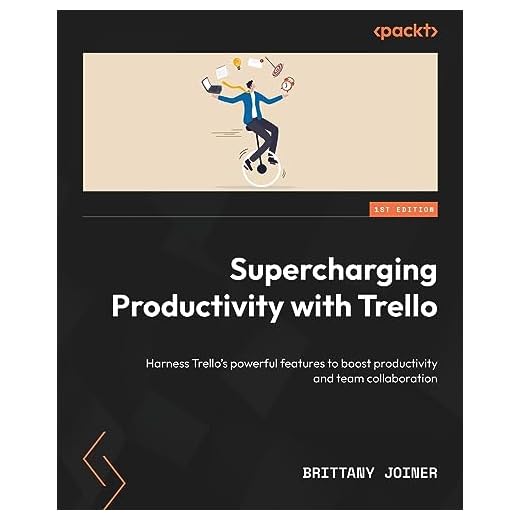
Understanding what tasks need your immediate attention is key. I like using the Eisenhower Box method to categorize tasks by urgency and importance. This way, I can focus on what’s truly critical. I’ve also been diving into Trello Supercharging Productivity by Packt Publishing, which offers some great strategies for organizing tasks visually. Trello boards can make it easier to manage multiple projects without feeling overwhelmed. By having a clear visual layout, I can see what needs doing at a glance, which keeps me on track and productive.
Take Regular Breaks
This might seem counterintuitive, but regular breaks are vital. In my remote work journey, I’ve realized that stepping away from the screen at regular intervals actually boosts my productivity. I follow the Pomodoro Technique, working for 25 minutes and then taking a 5-minute break. These short breaks help me reset and prevent burnout. It’s so easy to get lost in work, but these pauses have been a refreshing change, allowing me to return to tasks with renewed focus.
???? Key Takeaways
- Designate a specific workspace at home to separate work from leisure.
- Stick to a consistent start and end time for your workday.
- Use time-tracking tools like Toggl to optimize your workflow.
- Apply prioritization methods like the Eisenhower Box for task management.
- Incorporate breaks using the Pomodoro Technique to enhance focus.
Recommended Products
Based on my experience with this topic, here are products that can help:

Final Thoughts
Navigating remote work can be tricky, but with the right strategies, it becomes much more manageable. Remember, it’s all about balance. By setting boundaries, tracking time, prioritizing tasks, and taking breaks, you can create a productive work environment that feels just right. These tips have worked for me, and I hope they make a difference for you too. Let’s embrace remote work with confidence and efficiency!